Secure checkout and digital delivery are handled by Gumroad. You will see martincardoso.gumroad.com.
Visual book sample
Turn through ten selected pages.
The controls support touch, arrow keys and direct page selection. Reduced-motion settings remove the page-turn animation.
LAlite Preview1 / 10
LAliteTen-page preview
Swipe, use the arrows, or press ← →
Preview page 1 of 10
Accessible HTML summary · Section 2.4
Hand over a package, not a panic.
This adapted summary demonstrates the book’s field method without requiring the image preview.
Escalating well
Knowing when to hand a problem upwards is a skill, not a failure. Escalate when a fault affects the whole site, requires permissions you do not hold, involves security or safeguarding, exceeds the agreed investigation time, or belongs to a supplier.
A useful escalation package answers five questions:
What is broken? Use the exact service, device or process name.
Who is affected? State whether it is one person, one room, one site or everyone.
When did it begin? Include the first confirmed failure and last known success.
What have you checked? Record safe evidence and the result of each check.
What happens next? Name the new owner and tell the user when they will receive another update.
“This needs our senior team. I have passed it over with everything I found, and I will remain on the ticket so that you do not have to start again.”
If you work alone, identify the equivalent escalation route before an emergency: the MIS supplier, broadband provider, managed-service partner, local authority service or support contract. Keep account numbers, service levels and contact routes in the same controlled record.
Before you buy
Who is this guide for?
IT technicians, helpdesk and support staff, infrastructure and network managers and IT leads. School business managers and senior leaders can also use it to understand how school IT works.
What does £14.99 buy?
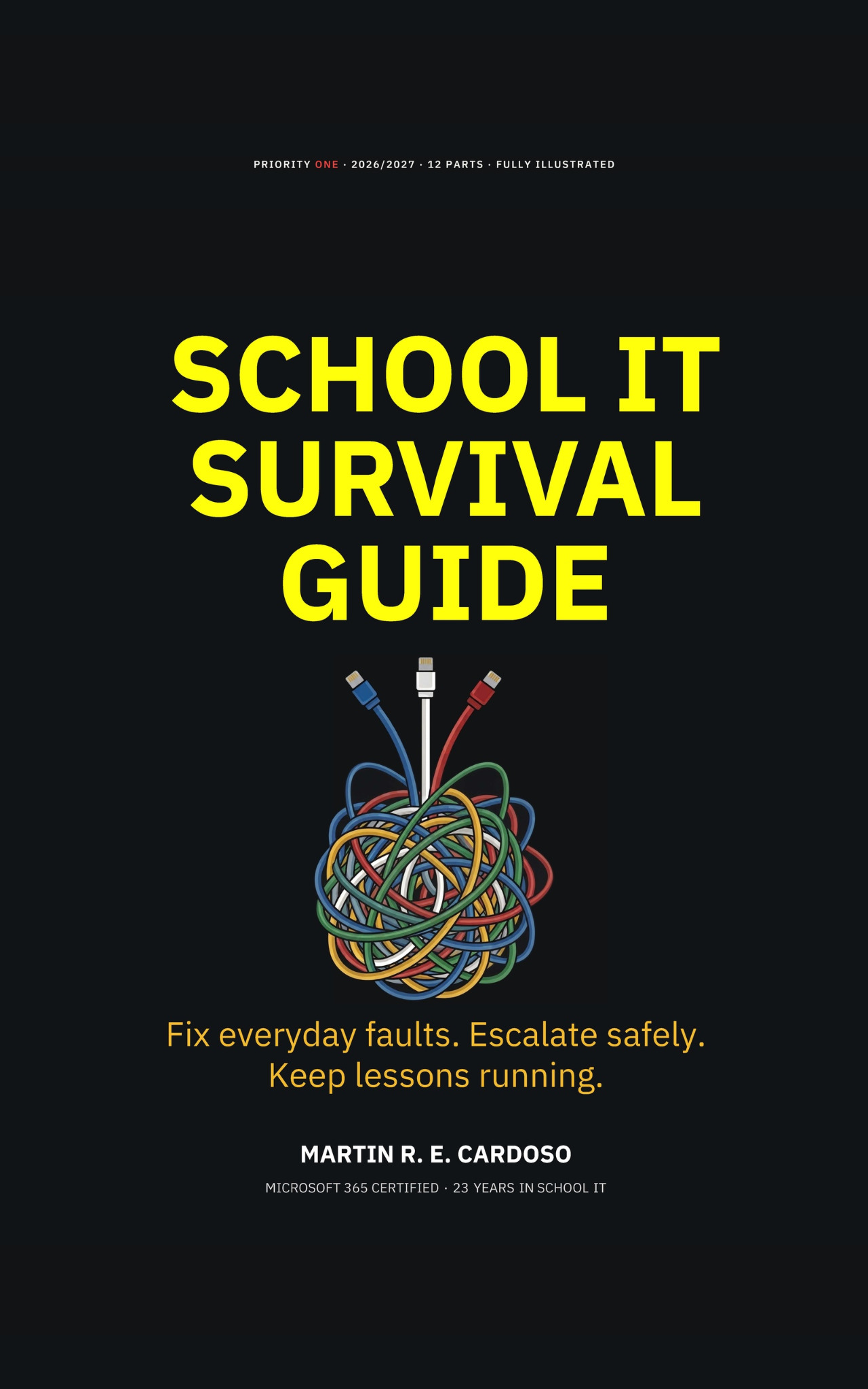
The School IT Survival Guide digital PDF, Version 4 Illustrated: 182 interior pages with 96 diagrams and visual guides. This is a one-off purchase through Gumroad.
What is free on the website?
The ten-page preview and online companion guides, including Intune, macOS and iPad enrolment and Entra Platform SSO. The purchased PDF brings the wider book together for reading and reference.
Is it only for UK schools?
The guide is written in UK English, with an international terminology guide. School structures, safeguarding duties and local policies differ: use the relevant requirements for your country and organisation.
Does the book replace Microsoft documentation?
No. The book explains working methods and support decisions; the online companion links to primary documentation for changing platform instructions. Check your organisation’s permissions and policies before making changes.